Like the title says, the new Snapseed has a problem.
A big problem.
As mentioned previously, Google updated their Snapseed app not long ago. It’s a big update to a good app, but it has a fatal flaw.
As it’s readily available from the lock screen, I most often shoot with the iPhone’s built-in camera app. This means that I tend to import photos into apps and edit them, rather than shoot from the app itself.
Also, I’ve recently-ish been playing with editing film camera photos on the iPhone. These have been fledgling attempts and I’ve only shared one thusfar, but more are in the pipeline, perhaps.
If I want to use Snapseed for this—and why not? it’s a decent editing app—I’ve got a problem:
Here’s the picture I imported to Snapseed: It was shot down in the Hill Country back in December with the Nikon FG and 50mm f/1.8 E Series on Agfa Vista Plus 200 film.
I exported an edited photo from Lightroom to a sync folder, and put it on the phone via iTunes.
I opened this in Snapseed 2.0 and gave it an edit. I was happy with the results and saved my work. Later that day, I imported the edited photo into Lightroom, or thought I did.
The edits weren’t there, so opened up Snapseed and saved the photo again. Here’s what that looked like in the iPhone’s Camera Roll: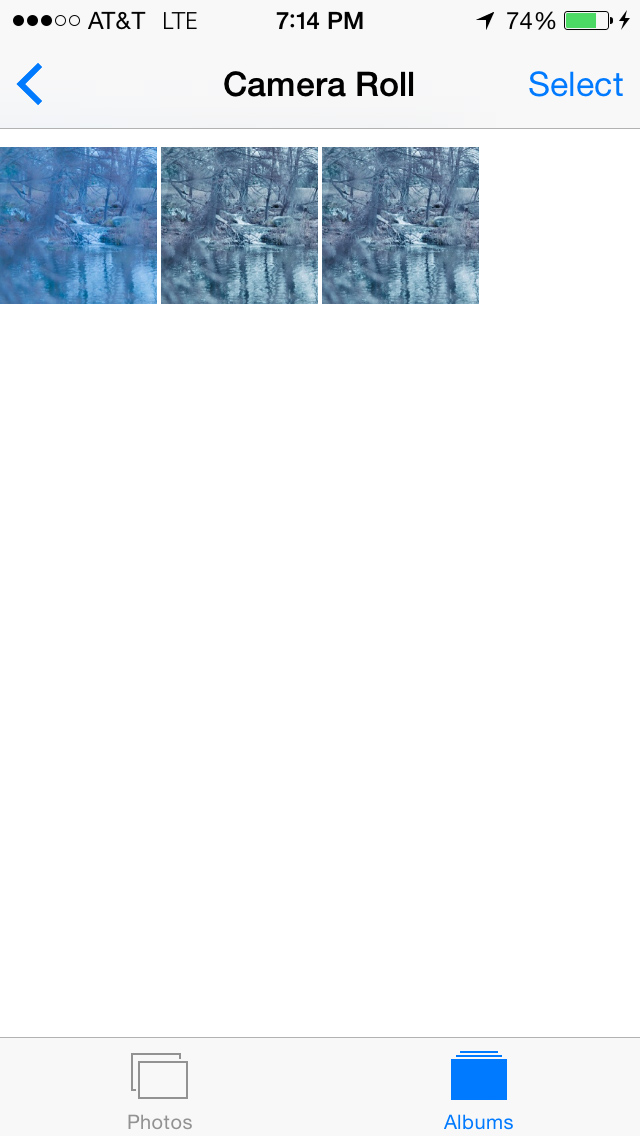 Two edited photos? Wha?
Here’s what that looks like in Lightroom:
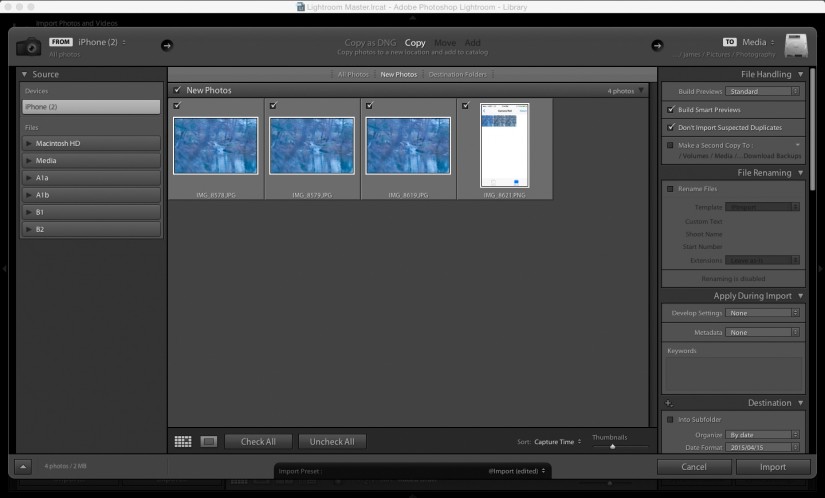
Why can’t Lightroom see the edits?
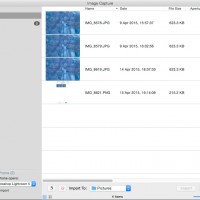
I tried with Image Capture…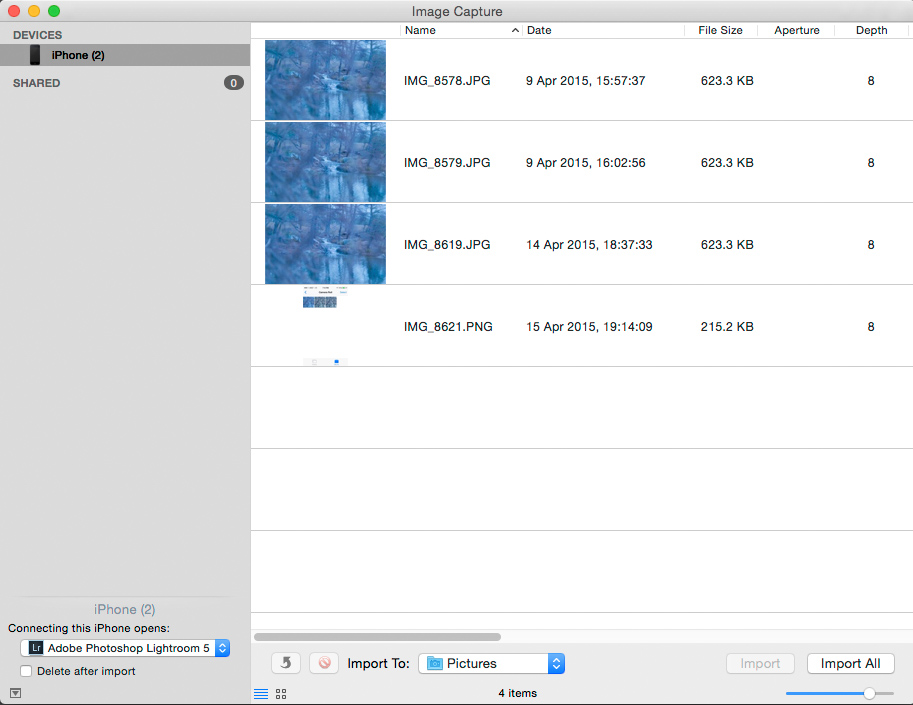 No edits there either.
How can I get this from the phone to my computer? Well, like most apps, Snapseed will let you export to other apps, including email…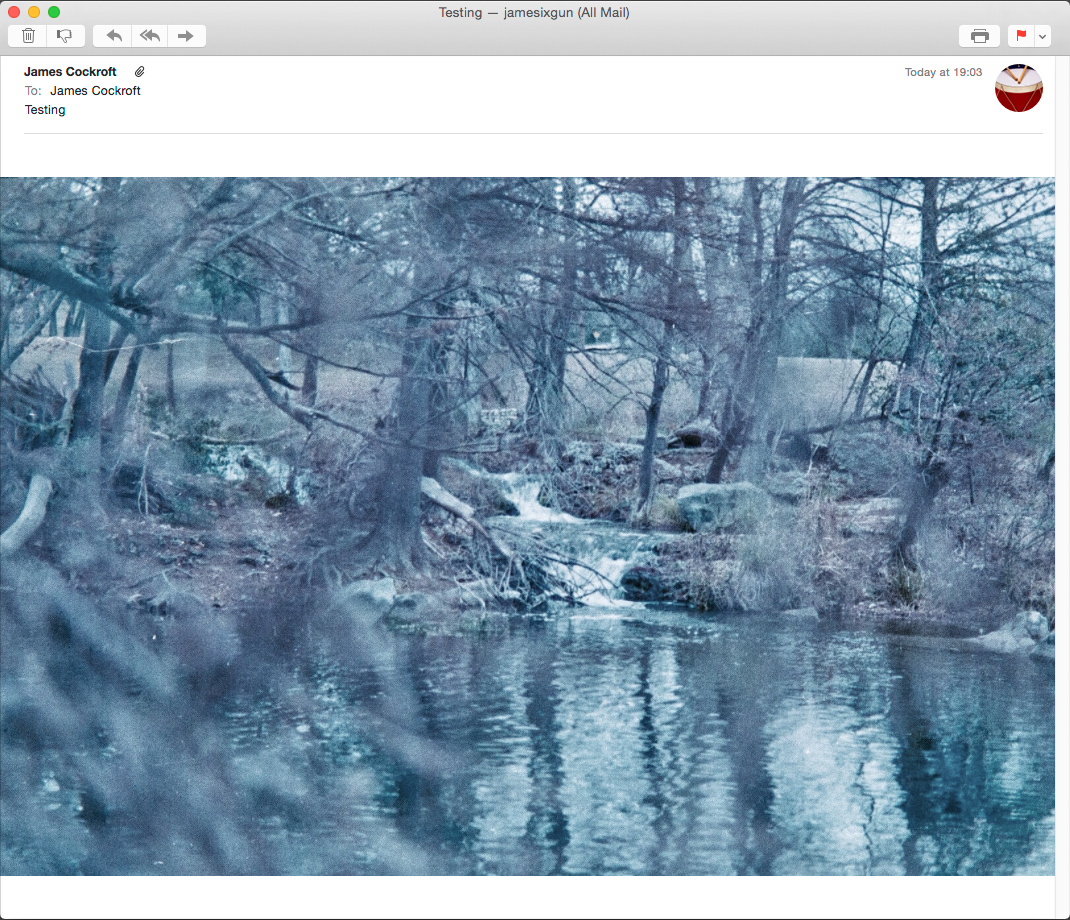 So email to self works, but you lose any exif data Snapseed might save in the process.